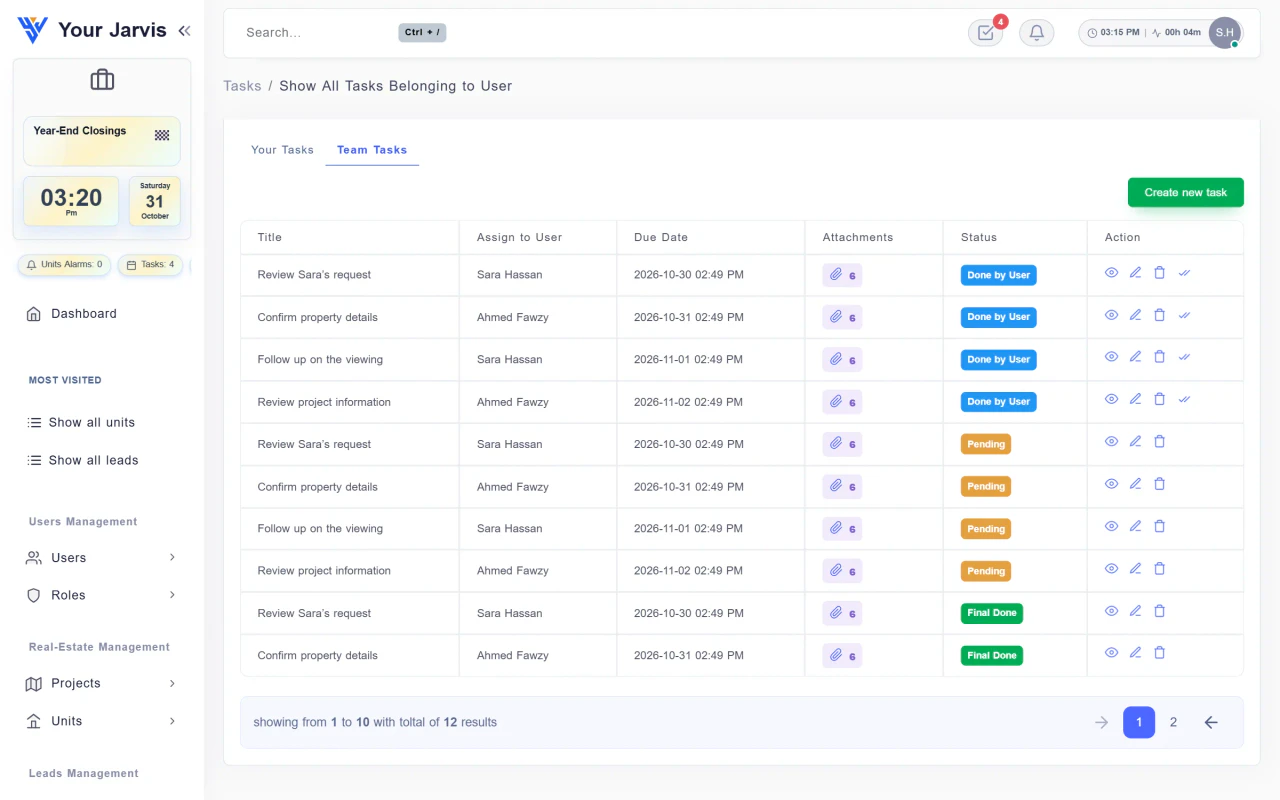
Assignments with working context
Add a description, due date, assignee and references to customers, owners, properties and projects, with attachments that help the colleague start.
Dated tasks linked to records, clear completion confirmation, and queues and notifications that help the team organize the work.
Follow-up needs more than a general note. When an assignment connects to a customer, property or project and each person knows the date and what awaits confirmation, handovers and review become clearer.
Add a description, due date, assignee and references to customers, owners, properties and projects, with attachments that help the colleague start.
Review tasks assigned to you and those you created for the team within your permissions. Assigning several people keeps a separate task for each responsible person.
The assignee records completion and the creator confirms it. The creator or assignee can reopen the task within the workflow.
Record follow-up dates in customer or property context and review queues that surface overdue items, so you can see where your day needs attention.
Review needs-action items, assignments and system notifications, with search, priority, unread and overdue filters, archiving and links back to records.
Choose notification preferences and default filters, and review task events and reports to understand assignment, completion and delays within your permissions.